Different tools per device
Desktop, phone, and browser each need their own setup.
CREWEVO · Public beta
Set the destination. CrewEvo helps turn a high-level goal into reviewed, useful work across web, Windows, and iPhone.
CrewEvo is in public beta: features may change, and some tools are still being tested.
Start with chat. Review every result before using it.
Exploring robots for your crew. See CrewEvo Robotics →

01 / Problem
The first screen should make it easy to ask, not make you assemble a toolchain.
Desktop, phone, and browser each need their own setup.
Private work needs a clearer path to your own computer.
The useful part should begin with one simple message field.
02 / Solution
CrewEvo keeps the message field first while the rest of the workspace stays ready around it.
03 / Screens
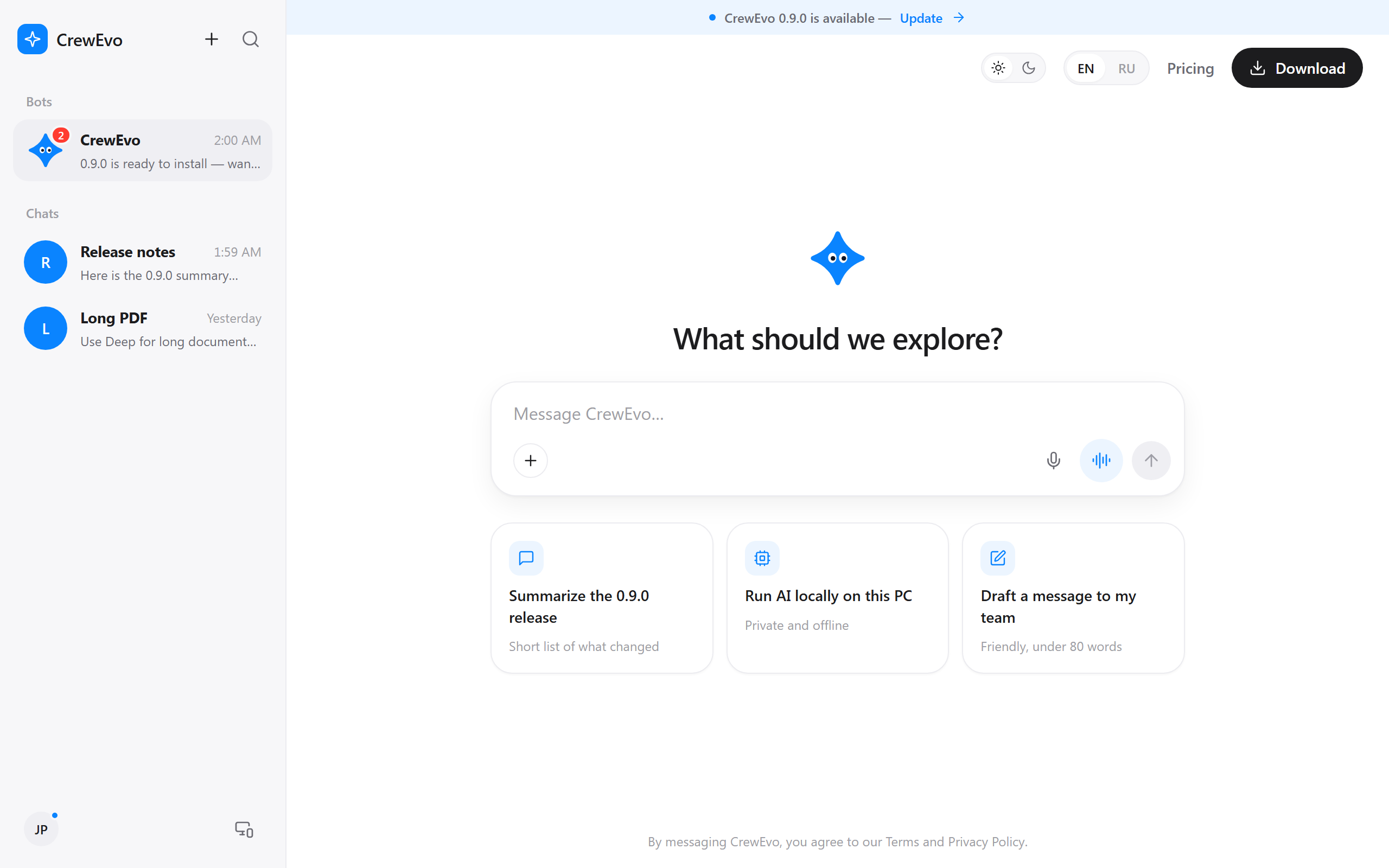
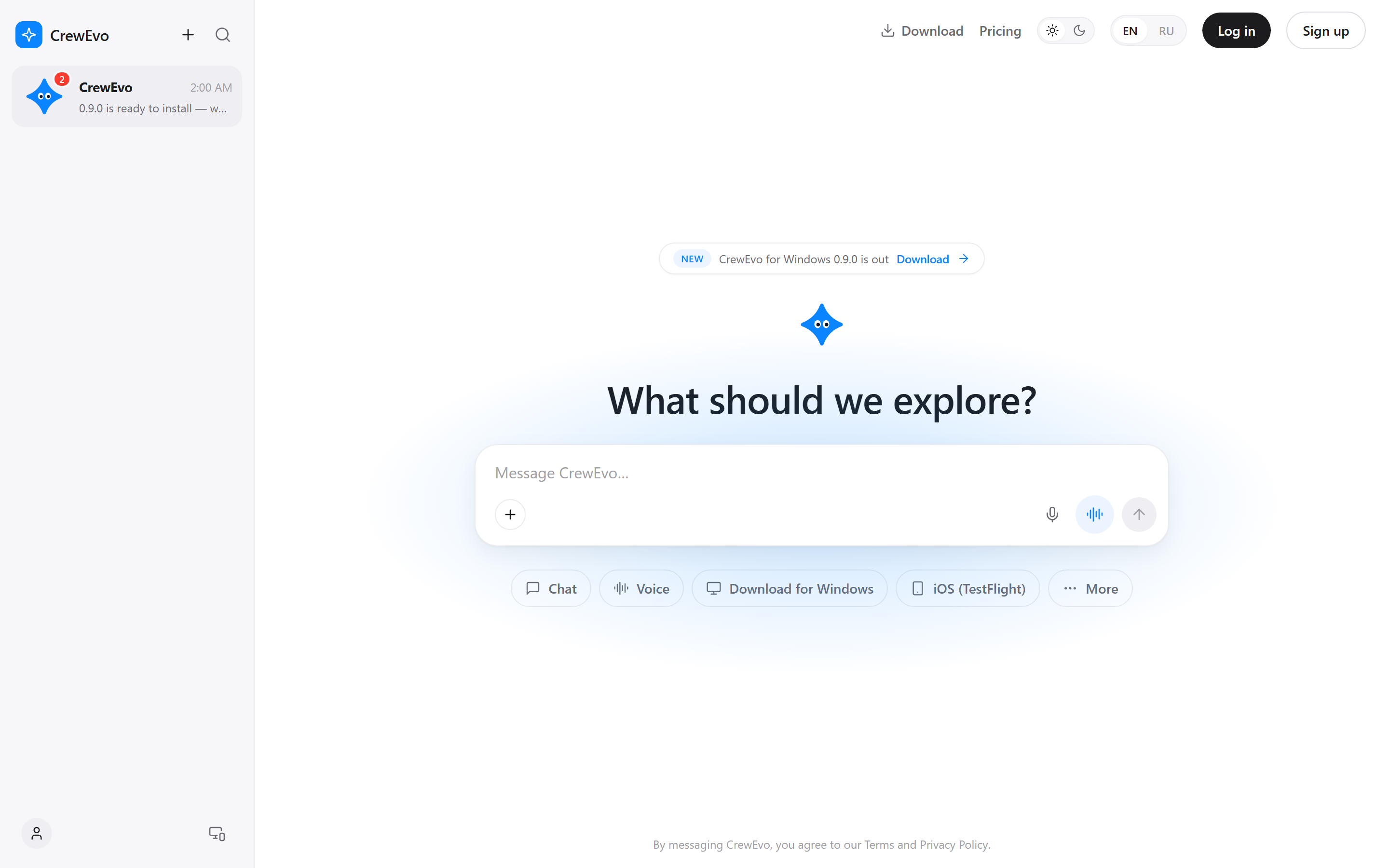
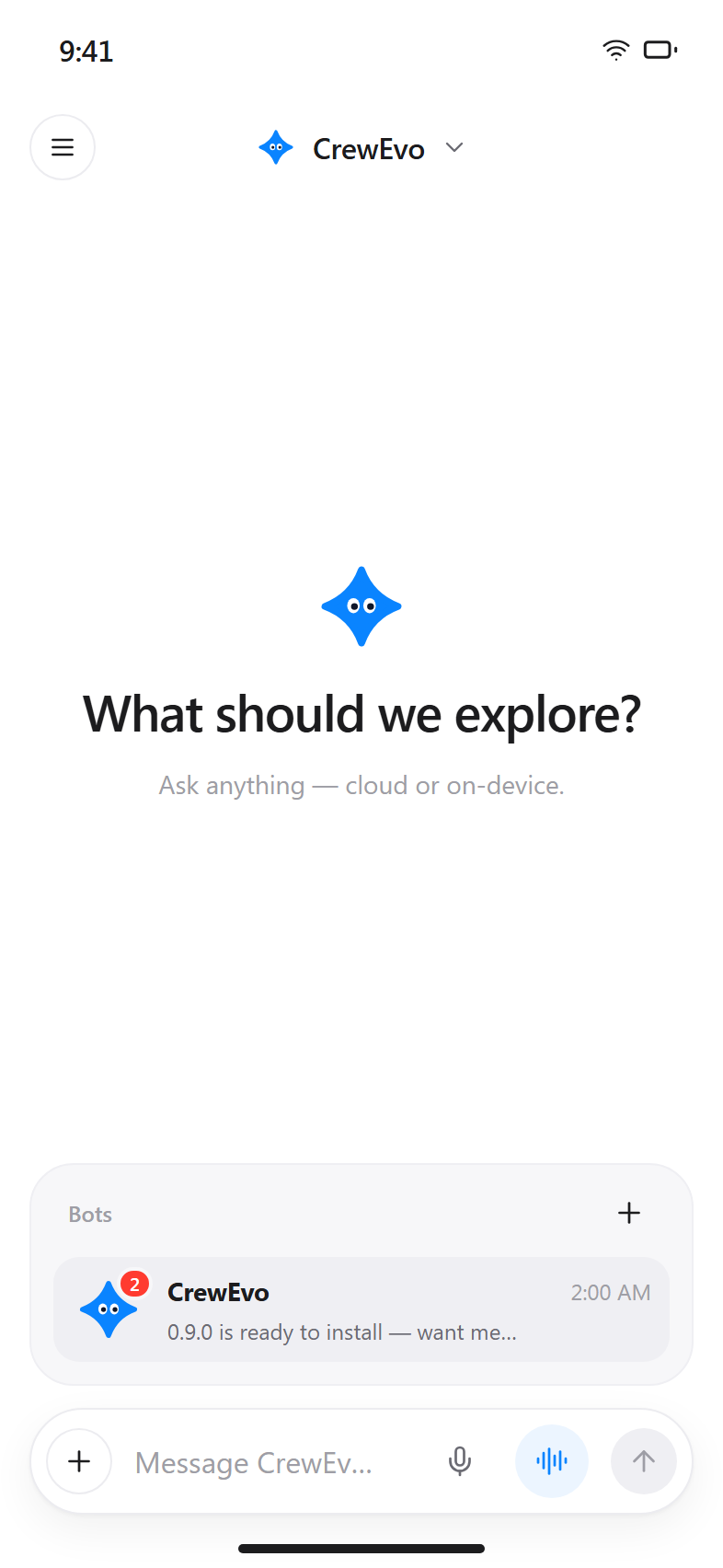
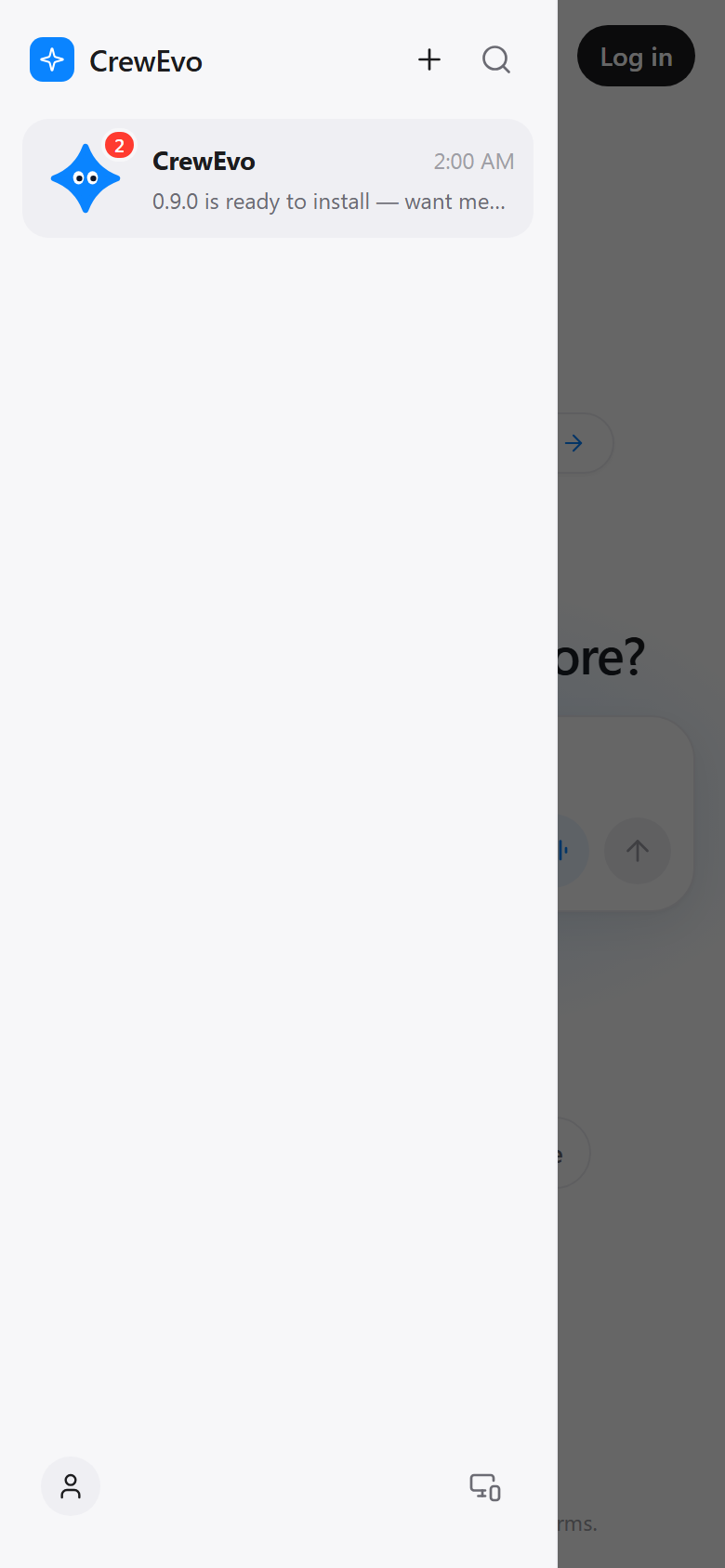
These are light v2 design previews, not a claim that every screen is shipped.
04 / Platforms
Desktop app with a focused workspace and optional local tasks.
Send tasks and view results in the native test app.
Open the conversation in a browser; web chat does not claim to run local AI.
05 / Local model
The desktop app can be configured for local text tasks. The web experience remains a web experience.
06 / Shared resource pool
This is a test-app concept with explicit consent and visible controls.
Opt in on Windows/Mac (Mac support planned); pick shared tasks and a limited session; your own tasks come first; pause anytime; turning off blocks new shared tasks.
Only text drafts without private data; sender consents per task; chat history never leaves the device; no customer data or secrets; results are unverified drafts with no auto-publish.
Rewards are NOT enabled in the test app yet. No rates or numbers are promised.
iPhone can send tasks and view results.
07 / Roadmap
Planned feature
Planned feature
Planned feature
Planned feature
08 / Download
Chat on the web, or inspect the current desktop and mobile test options.
iPhone can send tasks and view results in the native test app. Availability and features may change.